UBalt Design
Program Finder Redesign
Role:
UX/UI Designer
Team project
Process:
Physical prototype
The Problem Statement
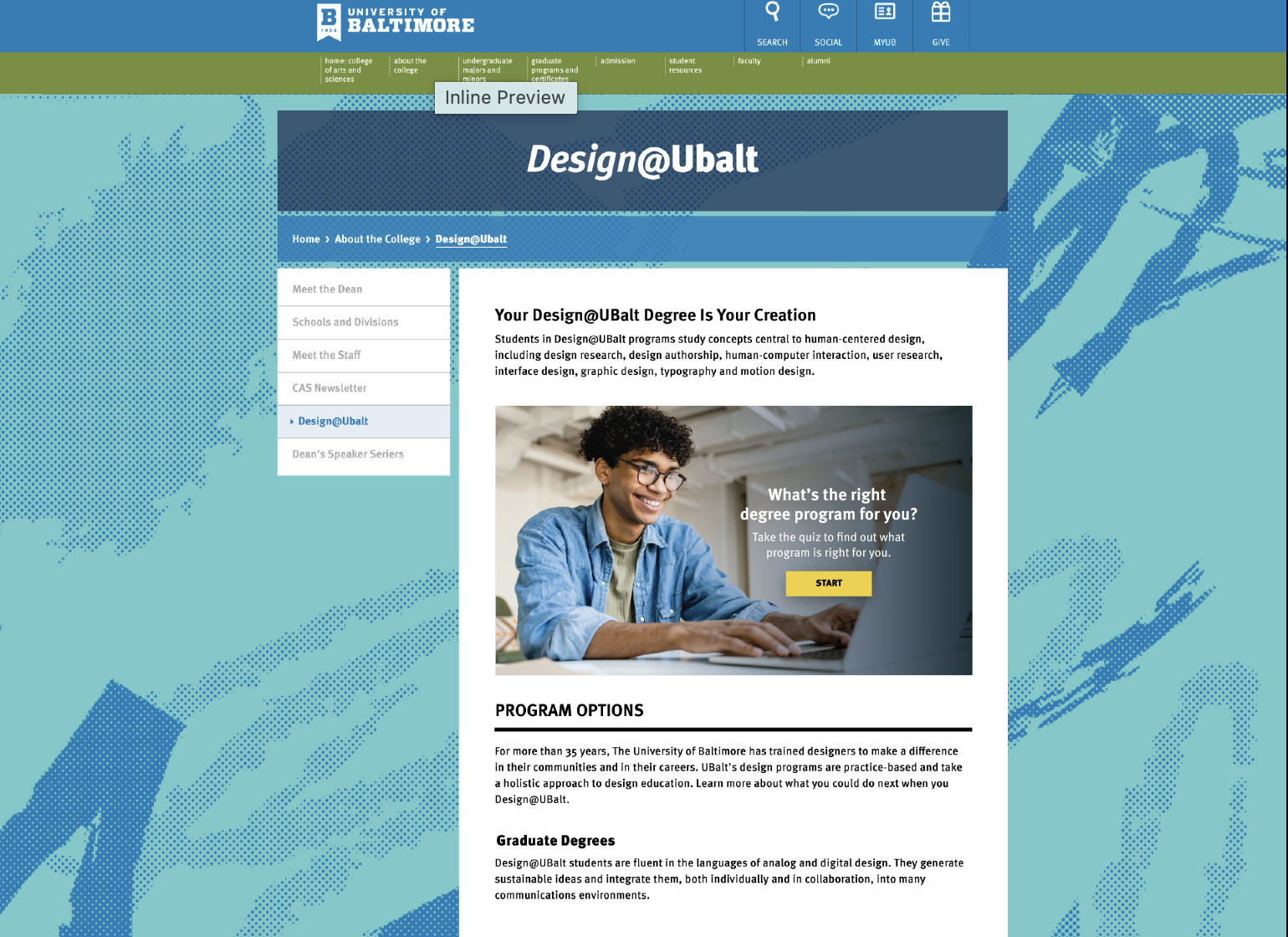
The University of Baltimore's design programs lacked a web-based tool to effectively guide prospective students toward the right program for their interests. The existing site presented four key barriers to achieving this: misuse of color palette, an unwelcoming user experience, limited information accessibility, and inefficient use of screen space, which made it harder for prospective students to find and connect with the programs best suited to them.
Research Foundation
Design decisions were grounded in both competitive analysis and published UX research. We reviewed program finder experiences at MICA, George Washington University, and West Virginia University to understand how peer institutions communicate program offerings to prospective students. Each specific problem identified in the UBalt site was then addressed through research-backed design choices: color theory informed our palette decisions, micro-interaction research guided our approach to engagement and user retention, a quiz gateway model was selected based on its proven effectiveness in delivering personalized recommendations, and principles of visual motion and natural visual hierarchy were applied to reduce cognitive load and make better use of screen space.
Personas

Jordon
Jordon is looking to pursue higher education to acquire more advanced skills that she can apply to the workforce and hopes to increase her career.
Age: 27 years oldOccupation: Digital Marketing Specialist
Age: 37

Occupation: Software Engineer
Richard
Richard is looking to study and receive a doctorate in Information and Interaction Design. He immigrated to the United States and wants to make his family proud as well as expanding his business, as a self-employed Software Engineer.
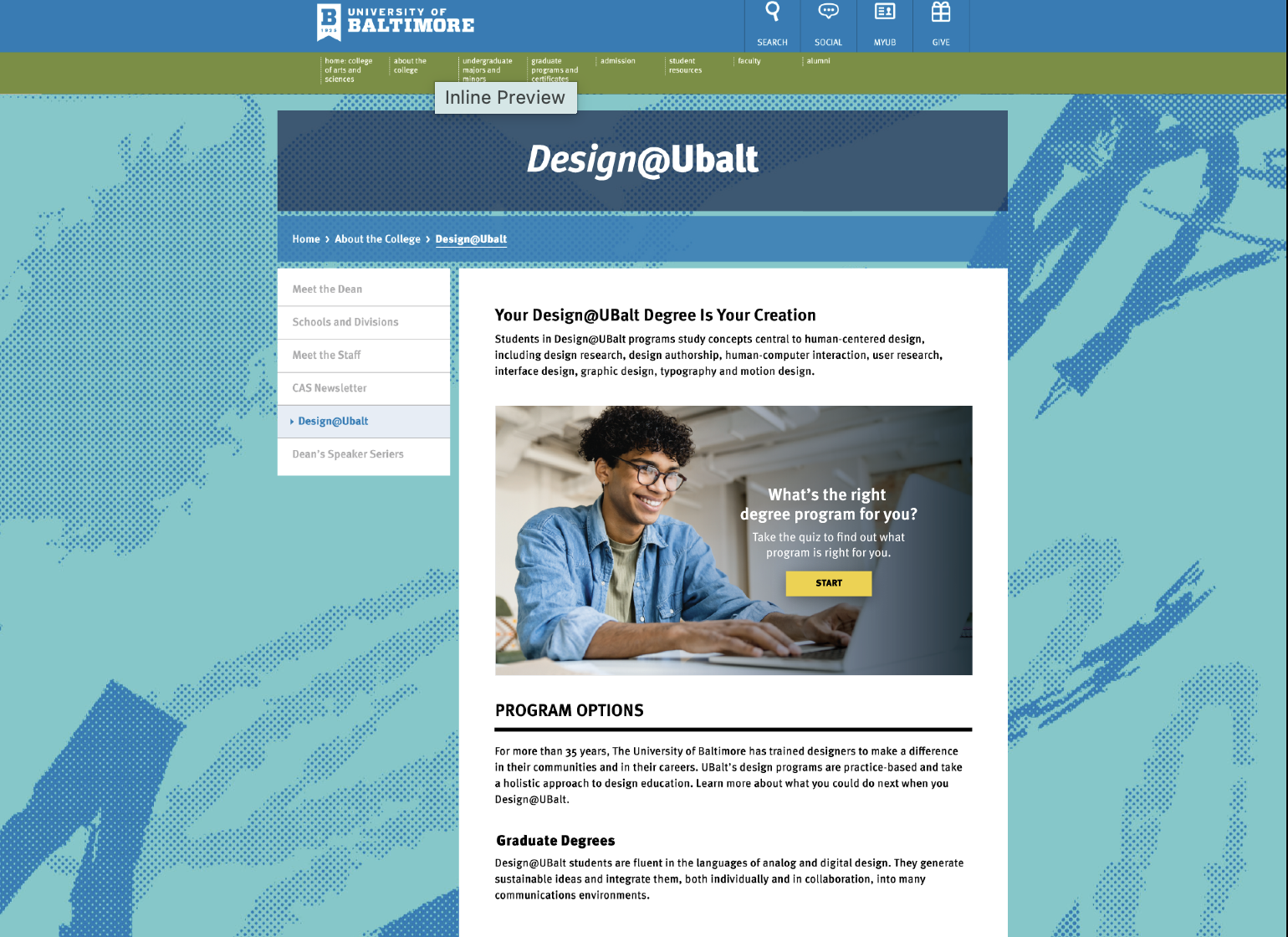
From sketch…
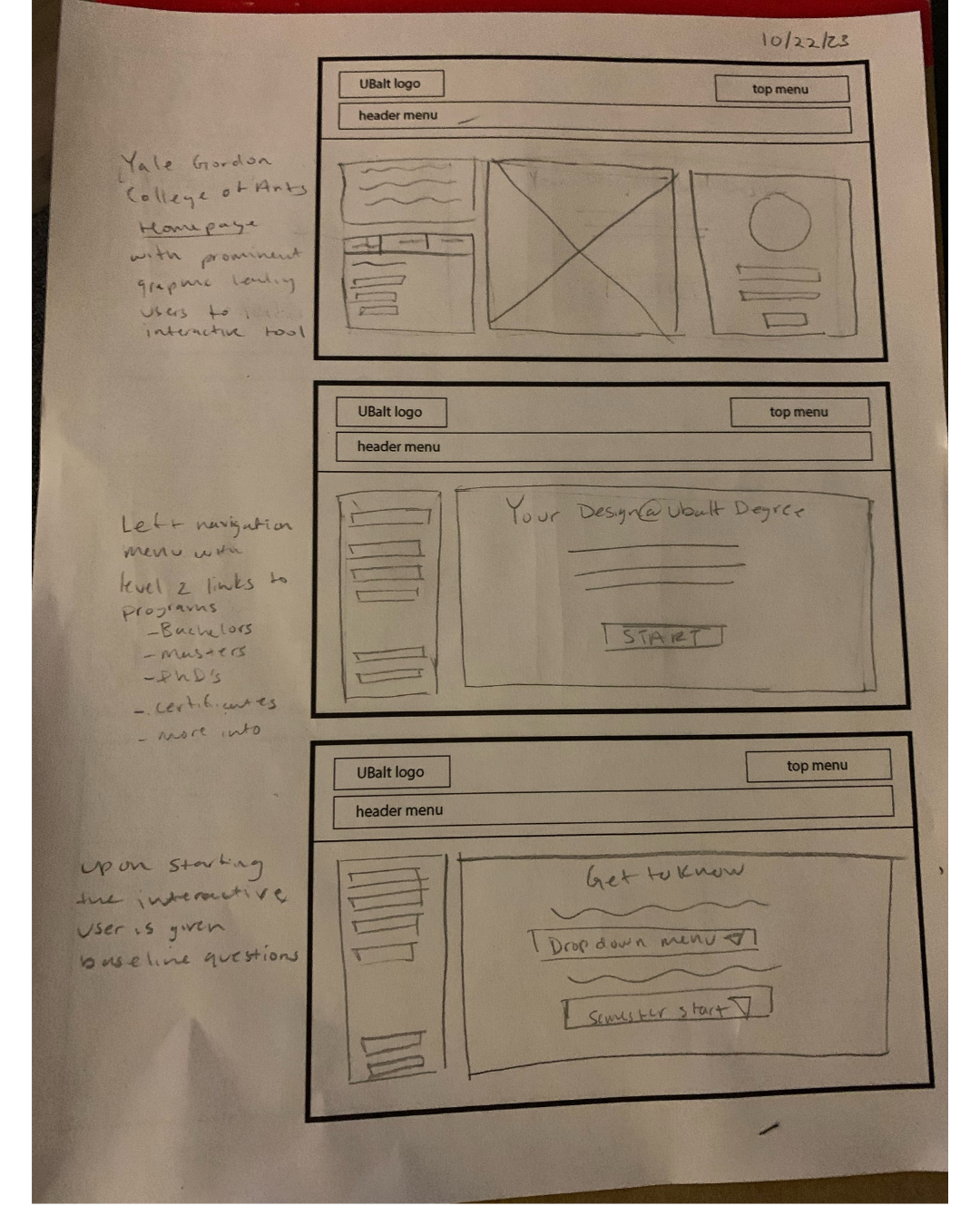
to screen…
User Testing
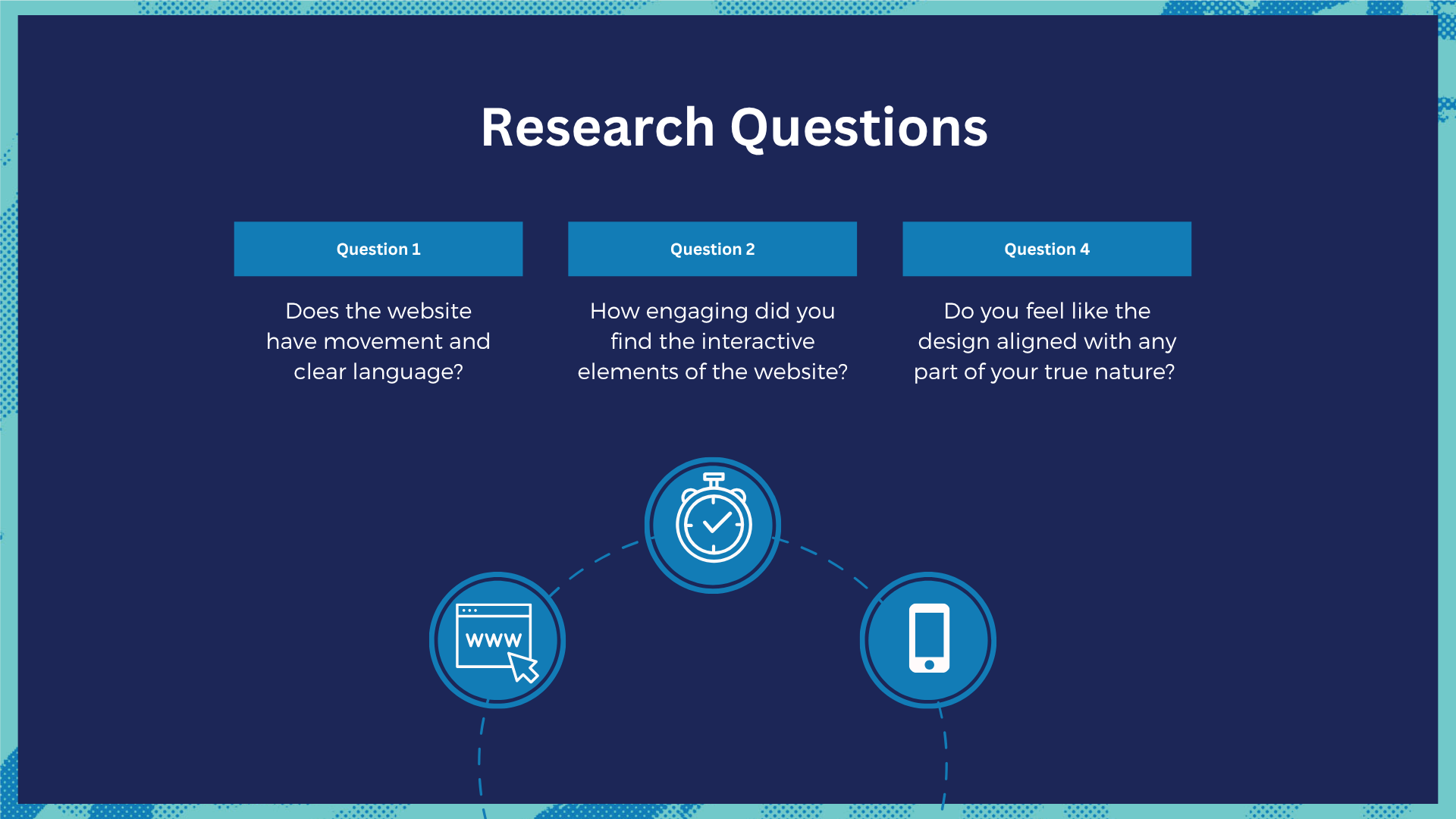
We tested our prototype with three participants aged 21 to 40, representing the primary age range of prospective University of Baltimore students. Testing was conducted in person, with administrators navigating the prototype pages to simulate user interactions. Participants were encouraged to ask questions throughout the process, and upon completion, each provided feedback with a particular focus on the quiz experience.
The results demonstrated a range of reactions. Rashid, age 26, found the quiz easy to use and noted that the color scheme and layout created a welcoming atmosphere that encouraged further exploration. Dina, age 40, described the quiz as enjoyable and engaging, expressing interest in using the website for entertainment. Andrea, age 21, provided a more neutral response. This diversity of feedback was valuable, confirming that the interactive quiz resonated with most users while also indicating areas for refinement to engage those who were less enthusiastic.
In addition to the in-person sessions, the digital prototype was distributed to two additional participants, Jordan and Richard, who independently navigated the screens and provided feedback on the quiz flow and overall experience.
All feedback was incorporated into the next iteration of the prototype.
Design Rationale
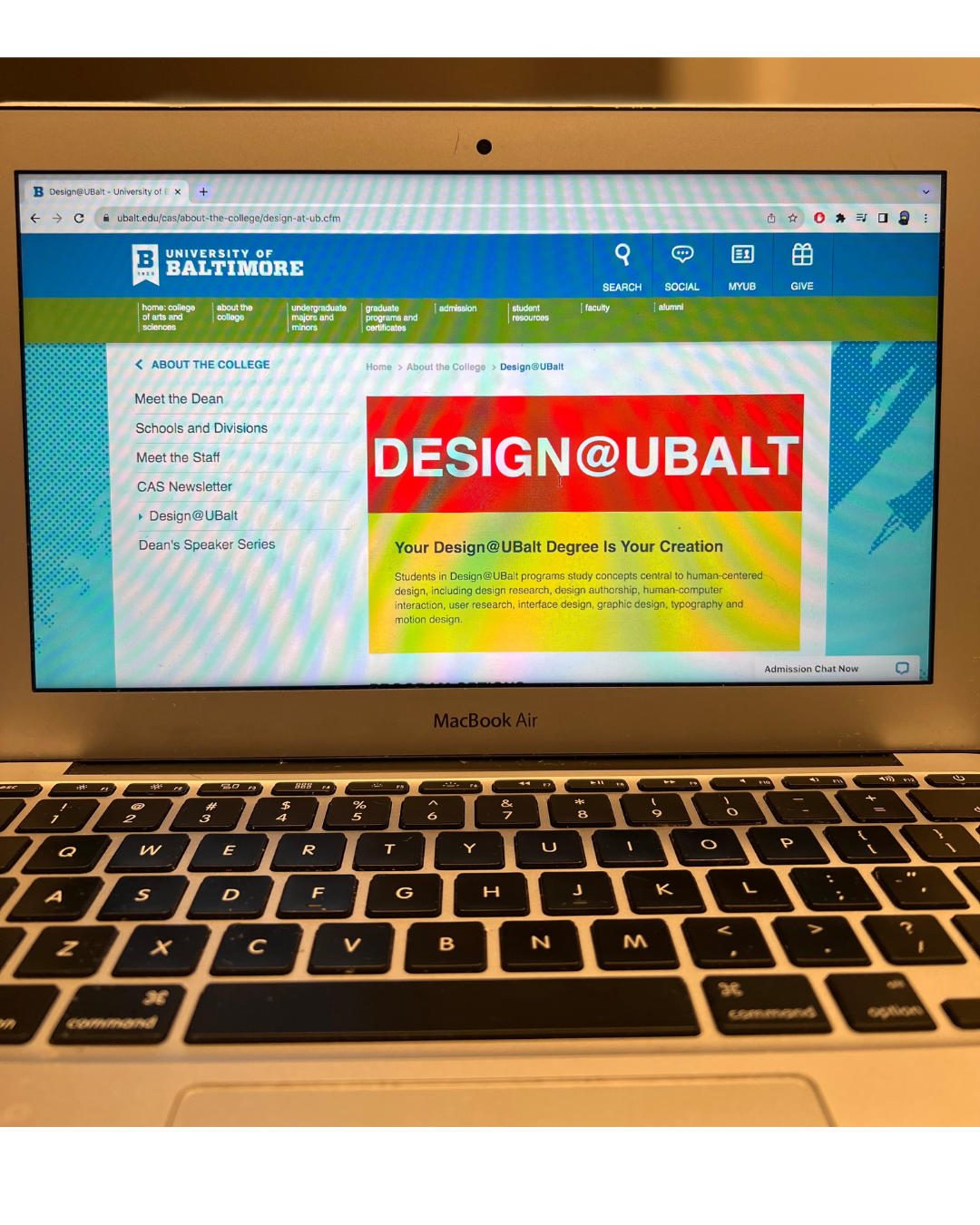
Every design decision made for this project was directly tied to a problem identified in the existing UBalt Design website.
Color Palette Misuse → Addressed through research-informed color choices, drawing on findings that highlight the direct impact color has on user behavior and perception — ensuring the redesign felt both on-brand and welcoming to prospective students.
Unwelcoming User Experience → Countered through the intentional use of microinteractions and engaging interactive elements, grounded in research showing that these design choices enhance user satisfaction and encourage users to stay and explore.
Limited Information Accessibility → Solved through the introduction of a quiz gateway — a guided, interactive tool that asks prospective students targeted questions and delivers personalized program recommendations with direct links, rather than leaving them to navigate a complex site structure on their own.
Inefficient Use of Screen Space → Addressed through visual motion and a natural visual hierarchy, reducing cognitive load and encouraging users to move through the experience intuitively rather than feeling overwhelmed by the layout.